🎮 Welcome to Skibidi Games!
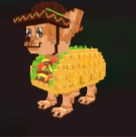
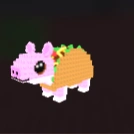
🌮 Taco Index is LIVE in Steal a Brainrot! Collect 90% (20) Taco Brainrots by Jan 31 at 2:00 PM EST to unlock the limited-time Taco Base! ☞See Details☜
🧠 Master Steal a Brainrot with walkthroughs, tools, and pro strategies.
💡 Level up with our newest guides, walkthroughs, and strategy tools all in one place!
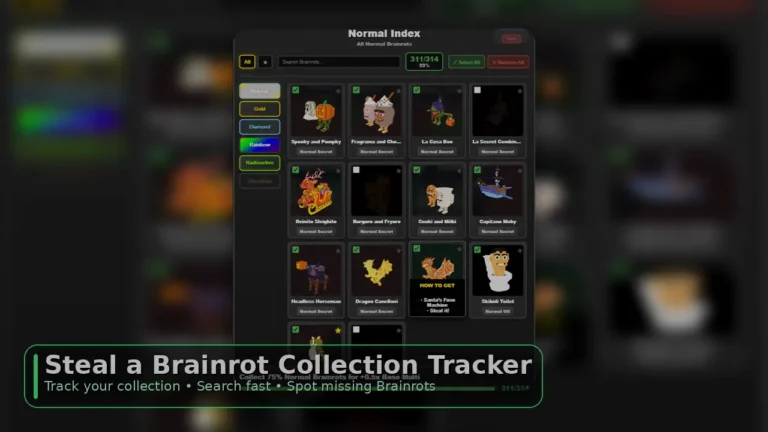
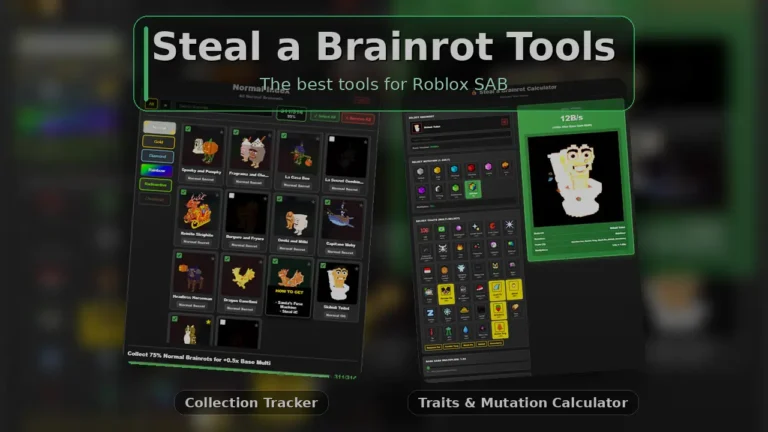
Steal a Brainrot Index Collection Tracker for Roblox SAB. Track every Brainrot you’ve collected for your index, instantly spot missing Index gaps, and quickly search a spawned mutation to check if you already own it before it despawns.
Steal a Brainrot Collection Tracker (Brainrot Collection Tracker)
If you’ve played Steal a Brainrot for more than a minute, you already know the pain: you see a Brainrot spawn (or a mutation), you hesitate for a second… and it’s gone. Or you grind for hours only to realize you’ve been chasing something you already collected.
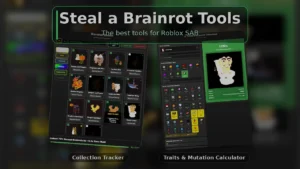
This is exactly why we made the Steal a Brainrot Collection Tracker; a clean, fast Brainrot Collection Tracker designed to be used while you’re playing, like a second-screen companion.
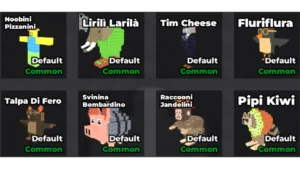
The biggest W? Our tracker is laid out in the exact same order as the live in-game Index. That means you can scan it instantly to see what you have or not.
The Brainrot Collection Tracker is built to solve 3 problems that happen constantly in Steal a Brainrot:
Easily track your full Brainrot collection Tick Brainrots as you collect them so your progress stays accurate across sessions.
Instantly see what Index gaps you still need In-game, missing entries are blacked out with no name. In our tracker, the name stays visible so you can immediately see what you’re missing. You can even temporarily tick an entry to preview how it looks while you plan your grind.
Quick “Do I already have this?” checks before it despawns If a Brainrot spawns in a mutation and you’re unsure, you can search it in the Steal a Brainrot Collection Tracker in seconds and decide right away.
You can use this Steal a Brainrot Collection Tracker casually, but it’s most powerful when you use it as a quick routine while playing.
Step 1: Pick the Variant you’re tracking
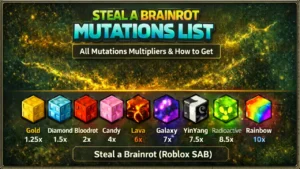
Use the sidebar to switch between variants (Normal, Gold, Diamond, Rainbow, Radioactive, Christmas). Each variant has its own checklist so your progress doesn’t get mixed up.
Step 2: Tick Brainrots as you collect them
Whenever you collect a Brainrot (or a specific mutation/variant you’re tracking), tick it in the tracker. Your progress % updates as you go.
Step 3: Use Search during spawns
This is the “save it before it despawns” move:
A Brainrot spawns (especially in a mutation)
Type its name into the search bar
See instantly if it’s already checked
Decide immediately whether to chase/claim it
Step 4: Favorite your current targets
Click the ★ icon to mark Brainrots you’re hunting. Then tap the ★ filter at the top to show only your targets, perfect when you’re planning what to grind next.
Step 5: Use “Select All” carefully
The Select All and Remove All buttons are there for convenience (for example, if you’re rebuilding your list or testing). If you’re using the tracker seriously, it’s best to tick entries as you earn them so your Index stays accurate.
If you want the fastest, simplest way to track progress in Roblox SAB, the Steal a Brainrot Collection Tracker is made for it. Keep it open while you play, tick Brainrots as you collect them, and use search during spawns to avoid missing new mutations.
Bookmark this page so the Brainrot Collection Tracker is always one click away.






























































































































































Leave a Reply